







-
 Courier delivery
-
 DHL Courier delivery
-
 Warranty 1 year
-
 Free 30-Day returns

 Overview
| Size |
UM790 Pro-64+1TB ,X1-255-Barebone ,UM750L Slim-32GB/1TB ,UM890 Pro-32/1TB ,UM750L Slim-16+1TB ,UM890 Pro-64/1TB ,UM890 Pro-Barebone ,X1-255-32/1TB ,UM870 Slim-Barebone ,UM870 Slim-32/1TB ,UM773 Lite-32/1TB ,X1-255-64/1TB ,UM760 Slim-16+1TB ,UM760 Slim-32/1TB ,M1 Pro-285H-64/2TB ,UM790 Pro-32GB+1TB |
|---|---|
| Colour |
Black |
| Additional Features |
Mini pc |
| Hard Disk Description |
SSD |
| Hardware Interface |
DisplayPort, Ethernet, HDMI, USB Type C |
| Security Features |
UEFI |
| Video Output |
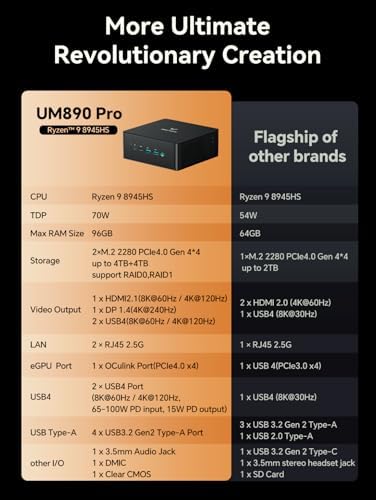
HDMI 2.1, DP 1.4, USB4 |
| Video Output Interface |
HDMI, DisplayPort, USB4 |
| Hard Disk Interface |
PCIE x 4 |
| Style Name |
Mini |
| Cache Memory Installed Size |
16 MB |
| RAM Memory Installed |
32 GB |
| RAM Memory Technology |
DDR5 |
| Ram Memory Maximum Size |
31.99 GB |
| Memory Speed |
5600 MHz |
| RAM Type |
DDR5 RAM |
| Memory Clock Speed |
5600 MHz |
| Display Resolution Maximum |
7680×4320 |
| Display Type |
LED (4K UHD) |
| Aspect Ratio |
16:9 |
| Resolution |
2560 x 1440 |
| Native Resolution |
3840 x 2160 |
| Wireless Network Technology |
Wi-Fi |
| Connectivity Technology |
Bluetooth, Ethernet, Wi-Fi |
| Wireless Compability |
802.11ac |
| Wireless Technology |
Bluetooth |
| Model Number |
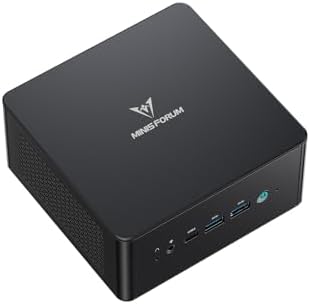
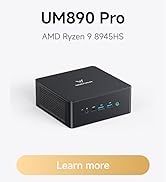
UM890 Pro |
| Model Name |
UM890 Pro |
| Processor Brand |
AMD |
| CPU Model Number |
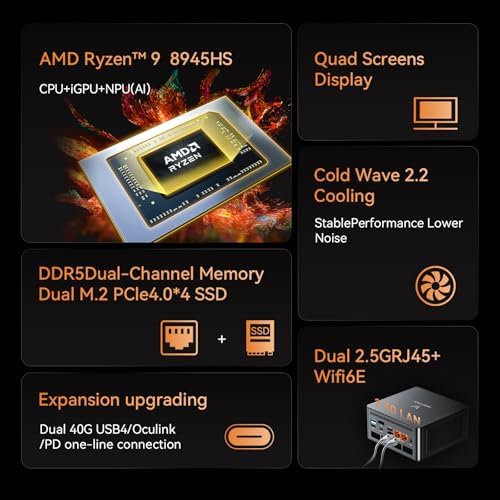
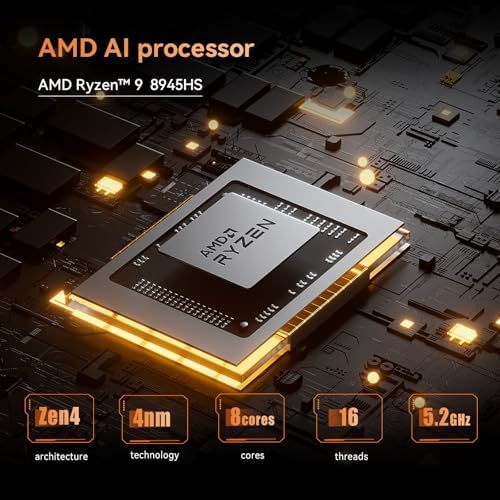
AMD Ryzen 9 8945HS |
| Video Processor |
AMD |
| Graphics Description |
Dedicated |
| Graphics Ram Type |
GDDR5 |
| Graphics Card Interface |
Integrated |
| Processor Series |
Ryzen 9 |
| Processor Speed |
4 GHz |
| Processor Socket |
Socket F |
| Processor Count |
8 |
| CPU Model Speed Maximum |
5.2 GHz |
| Total Usb Ports |
6 |
| Total Number of HDMI Ports |
4 |
| Number of Component Outputs |
4 |
| Human-Interface Input |
Buttons |
| Keyboard Description |
Compact Keyboard |
| Keyboard Layout |
QWERTY |
| Parcel Dimensions : |
18.29 x 16 x 12.7 cm; 1.62 kg |
| Manufacturer : |
Micro Computer (HK) Tech Limited |
| ASIN : |
B0D9YJLZP6 |
| Item model number : |
UM890 Pro |
| Customer Reviews: |
(685) |
| Brand |
MINISFORUM |
| Operating system |
OS |
| CPU model |
Ryzen 9 |
| CPU speed |
4 GHz |
| Cache size |
16 MB |
| Graphics card description |
Dedicated |
| Graphics coprocessor |
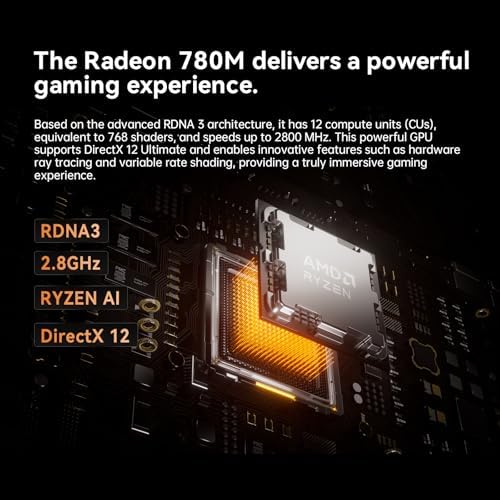
AMD Radeon 780M |
| Memory storage capacity |
32 GB |
| Specific uses for product |
Business |
| Personal computer design type |
Mini PC |






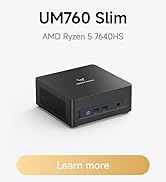


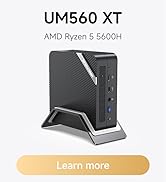


You may also like
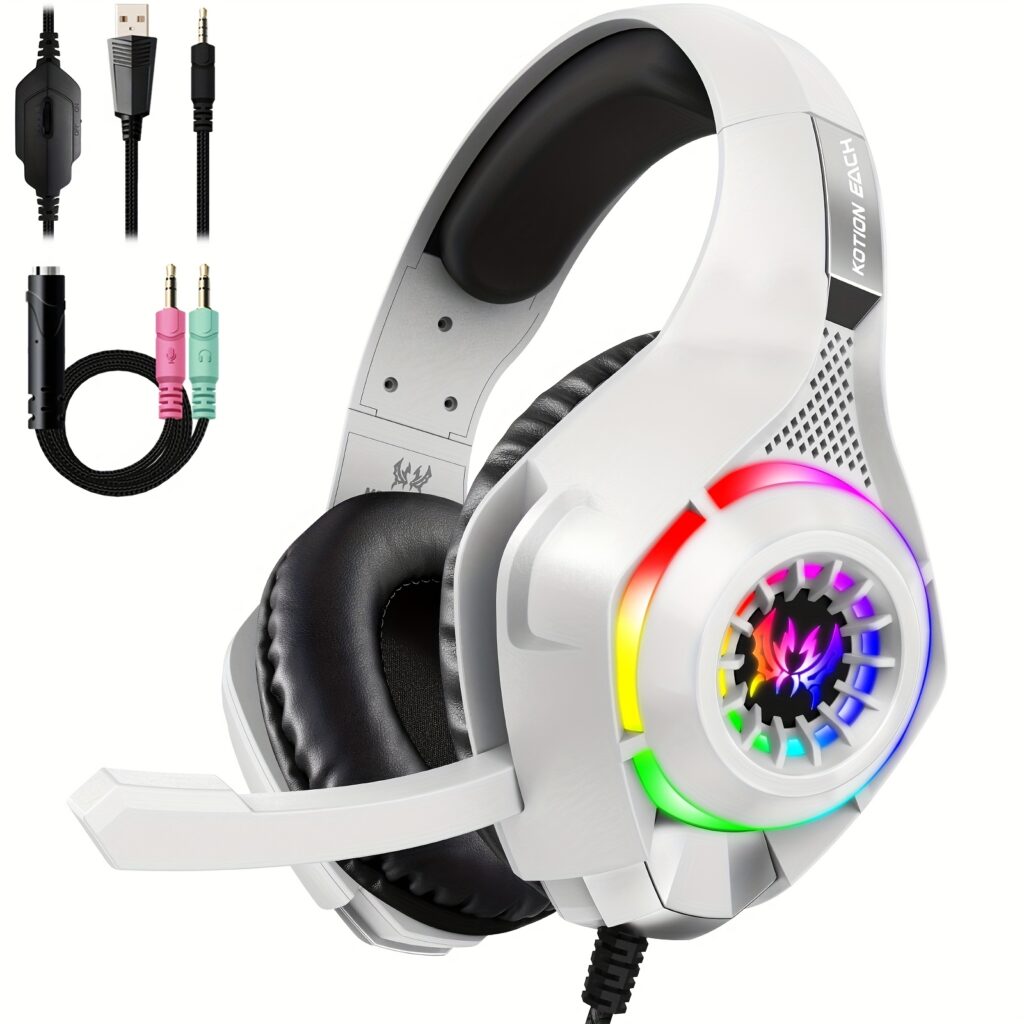
Suitable for PC PS4, PS5 Gaming Headphones with Noise Cancelling Microphone
CAN 33.12 $ CAN 34.75 $Price range: CAN 33.12 $ through CAN 34.75 $
FETIOST R36MAX Is Equipped with the RK3326 Gaming Chip, Featuring a 1.5GHz 64-bit Processor
CAN 69.22 $ CAN 103.01 $Price range: CAN 69.22 $ through CAN 103.01 $




Nick –
Awesome Mini PC/Server
Awesome, powerful mini PC. Works best with Linux, and very capable as a server. This has plenty of power to handle multiple simultaneous transcoding operations, assuming you’re working with a client that supports AMD transcoding well. Capable of running multiple VMs simultaneously for extended periods of time. Runs silent, but packs a lot of punch.
One person found this helpful
RayRay –
Excellent mini PC. No problem. Fair enough price. Easy to mount on a monitor.
Excellent mini PC. No problem. Fair enough price. Very easy to add an SSD. Easy to mount on a monitor. Makes the table much cleaner than any other kind of PC, while without compromising on performance. The only thing is that the noise is louder than my MATX pc, but only when the CPU is working hard. I’m not saying it’s noisy. It’s still pretty quiet but louder than my MATX.
3 people found this helpful
JW –
Powerful hardware, but the design could be better.
This mini PC turned out to be a surprisingly powerful productivity machine. The hardware specs are excellent, and for my use, mainly office work, simply photo editing and streaming movies, it has more than enough power. I haven’t tried any demanding 3D games, so far it runs whisper quiet and I barely notice any fan noise. Windows 11 is pre-loaded and it’s ready to use out of box.There are a couple of downsides though. The BIOS is very barebones with only a handful of core options, which is fine for most people but a bit limiting if you like to tweak settings. The case is plastic with a metallic look, but it does feel a little cheap in person. The worst part for me is the power button LED, it’s ridiculously bright and distracting when the PC is on my desk. I ended up covering it with a piece of tape just to tone it down.Overall, the performance is outstanding and I don’t see myself worrying about upgrades for years to come.
2 people found this helpful
ARUIFB –
Fast, silent and cool
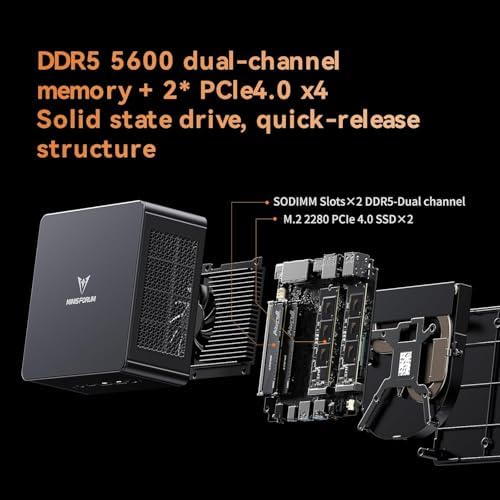
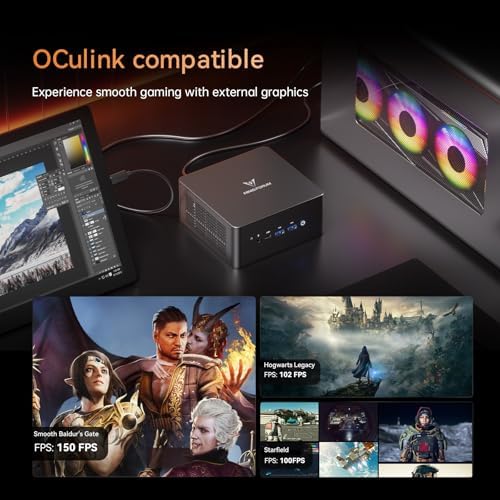
Comparing this Minisforum Venus UM790 Mini PC powered by a modern AMD Ryzen 9 7940HS with my old Dell notebook that have inside a 11th generation i9 (same number of cores and threads as this AMD), is like comparing a steam locomotive with a magnetic levitation train (silent and fast).The performance and extensibility of this mini PC is amazing:- two DDR5 slots- two PCIe 4.0 SSD slots- two USB-4 ports, 40 Gbps with PD (we can power this PC with an external 130W battery power bank !)- fast X86 integrated GPU and using the USB-4 ports we can control monster eGPUs like the Oculink ONEXGPU.Summary: What computer science wanted to see inside the ENIAC, VAX, and Cray computers, is now present inside this MiniPC.
6 people found this helpful
P Chan –
Doesn’t boot up at all
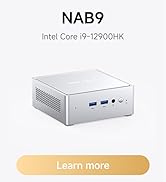
This is one Mini-PC that didn’t boot up into the operating system or the BIOS. There was no HDMI signal or DP signal to the computer monitor/screen. The only thing that powered on was the LED power button. I should have assumed something was wrong with it when I discovered it was an opened box Mini-PC. There was no shrink wrap packaging to seal it for security or protection tampering. Plus the “LPN” license plate number sticker label on the back of the box was a clear indicator that it was a returned item.Prior to this purchase, I had one NAB9 that worked for 5 months then it failed. The second one failed after 4 months of use. My suggestion, buyer beware when there is ‘1 left in stock’, it could be a lemon.
One person found this helpful
vrajmalvivrajmalvi –
perfect work mini pc
super fast, worker better than I expacted. no lag or speed issue. i use for some heavy use daily n0 issue at all works perfect
Red –
Great minipc for the price
I bought this device mainly for moonlight streaming. I can confirm that the HDMI 2.1 port is capable of doing 4k 120hz HDR VRR, as long as your cable and display are also adequate. Latency seems to be about as expected for the 6900hx.Apart from that, there’s not too much else to say. Looks wise it’s pretty good. The front side light flashes a bit too much for my liking, but that’s basically every PC nowadays, and easily fixed with some electrical tape. The fans are not loud and sound reasonable to me, though admittedly I have not pushed the system to its limits.Overall I can say that it does the job well.
2 people found this helpful
JMD –
Excellent performance in a small factor PC
Initial impression is great. The unit comes with an 8 core AMD processor. 32 Gb DDR5 and 1 TB SSD. Windows 11 Pro is pre-installed. This is NOT a gaming computer, but Radeon integrated graphics exceeds Intel’s Xe 3D video performance. Good build quality in a solid metal case. Hardly any noise from the fan. Comes with barrel plug for charging, USB-C would be better. Fast connection to WiFi 6. I bought this as a replacement for an obsolete tower PC, as I already had a screen, mouse and keyboard.
7 people found this helpful
Realnoize –
It’s crazy how much power you get in such a little box. Just be aware of some things…
The specs for the price is great. It is insane how much power we can get in these small mini PCs these days. It is very easy to add RAM and M.2 SSDs, although having the screws under the sticky rubber feet is annoying. If you have to open it a couple of times, they might lose some of their adherence at some point.Also, the built-in wireless/bluetooth card is a Mediatek one that doesn’t work well with Linux distros. It is easily replaceable for a more common Intel one though, but I wanted to point this out if you were buying this hoping to run Linux on it. You may need to buy a wifi dongle if you don’t want to swap the m.2 wifi card for an Intel one. Or go wired. Wifi should be fine on Windows though.Also note that it take some time to boot at first if you bought a barebone model and installed your own RAM and SSD. The BIOS is also a little bit confusing to me and not as feature-rich as I thought it would be. some features were puzzling me a bit at first but I ended up figuring it out.I also don’t know if I had a defective power supply or if the provided one is not sufficient under some particular circumstances, but mine was shutting down when running specific emulators or programs (and not necessarily the most power-hungry ones). Let me be clear, the PC was not crashing. It was the power supply that just stopped functioning in 100% reproducible manner in specific programs. Then the PC would never boot up again UNLESS I unplugged the power supply from the wall and plugged it back in. I assume this was “resetting” the power supply. Nevertheless, I bought a another (better) power supply, and the problem went away. And support from the manufacturer reimbursed me the cost, which was awesome on their part. Great service!But all that being said, this thing rock. I’m literally using this as a small gaming console, and I’m impressed at what it can run.I’d recommend easily to anyone who’s planning on running Windows on it. A little bit less for Linux users given the Mediatek wifi/bluetooth chipset might not be supported on all distros (was not working on the ones I tried).
Stanley –
Make sure you supply good RAM and know basic troubleshooting if attempting this one.
You should buy this item if you’re used to assembling your own computer, and you want the 16 core 32 thread CPU that this unit has. Otherwise I would not recommend it, as I had RAM compatibility issues and I wasted hours with TeamGroup RAM that would work sometimes and not others, despite passing 8 rounds of memtest86+ in this unit.If you run into difficulty, know that when you first install new RAM it takes 2+ minutes for it to POST (no video), and if it doesn’t show the Minisforum logo after 5+ minutes try removing one stick and power on again. Also the button on the back can be pressed in 10 second or longer (with power cable unplugged) to reset BIOS, which may be needed if you haven’t got it to POST yet.I recommend using the HDMI on board as it worked best for setup. If it’s not starting, switch the RAM stick and try again ruling out the RAM and slots and checking they click in all the way.Buy Crucial RAM if you want good compatibility; it was worth the extra $ in my case as it always powers on since switching RAM to Crucial.Also worth noting, the M.2 slots support 6xSATA adapters, and the mini PCIe Wi-Fi slot supports a 4xSATA adapter also found on Amazon (look for the one with the cable and two types of slots, as the smaller one fits and works with this board but needs the cable so the SATA ports don’t face the I/O or CPU cooler.Built a nice little NAS with ITX form factor using the motherboard from this one.
One person found this helpful